

View Poll Results: .
.


0
0%
.


0
0%
Voters: 0. You may not vote on this poll
What did you do to your B5 today?


2nd Gear
Joined: Nov 2010
Posts: 695
From: Rochester, MN

Changed the upper coolant hose. Had to cut the old one off, but the new one went on without much trouble, especially the rigid upper part that connects to the radiator. I thought that was going to be tricky, but with a little G12 as lube, she slipped right on.
I also replaced my 6000k Xenon's with 5000k's. The 6000k's were a little too blue for my liking.
I also replaced my 6000k Xenon's with 5000k's. The 6000k's were a little too blue for my liking.

2nd Gear
Joined: Jan 2007
Posts: 520
From: New Mexico
I did a lot!!!
So all was ready to go and was moving along quite nicely up until I got to the part where it was time to install the CV axles only to find out they had given me the wrong ones ...... ...... I got all of the broken parts off and installed the new ones and now I wait for FedEx to deliver my new, correct axles. Here is what has been accomplished so far .....
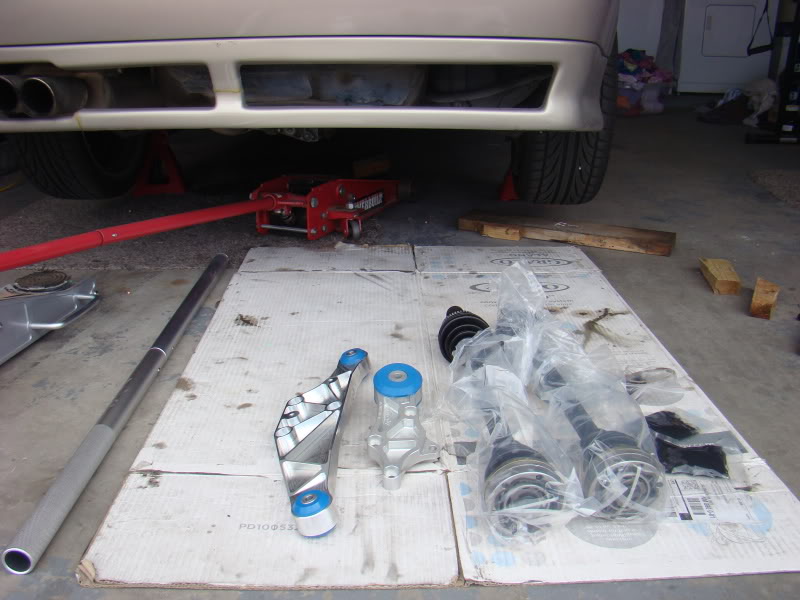
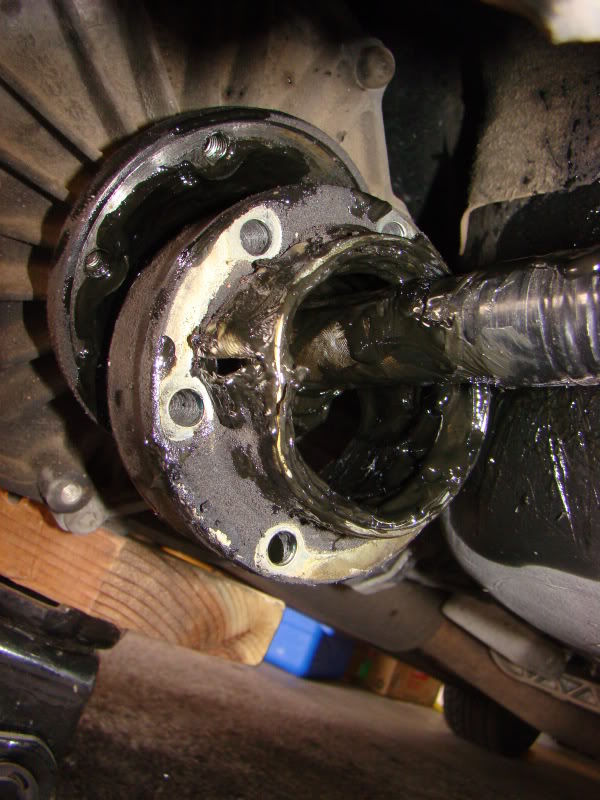
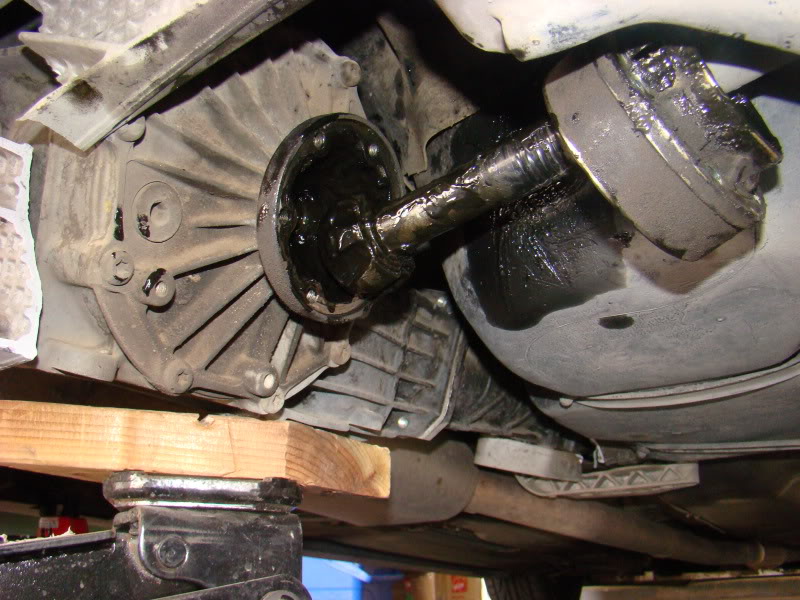
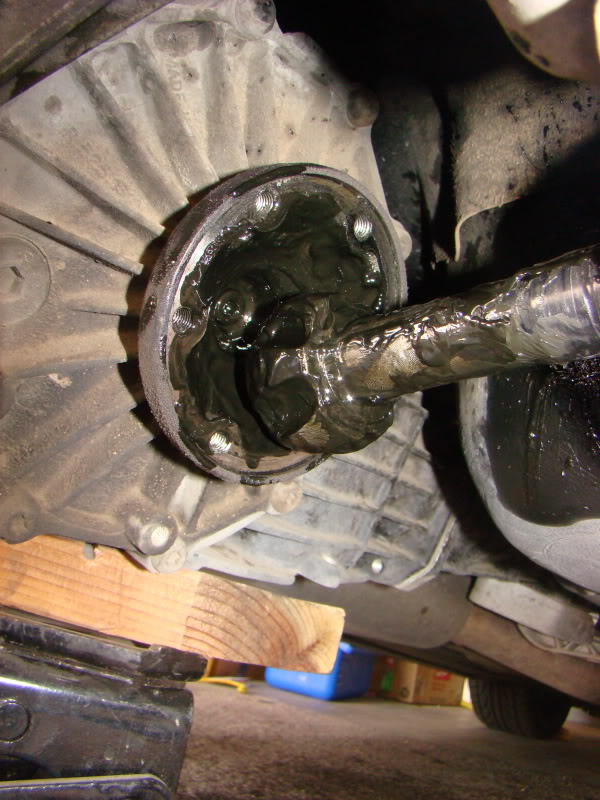
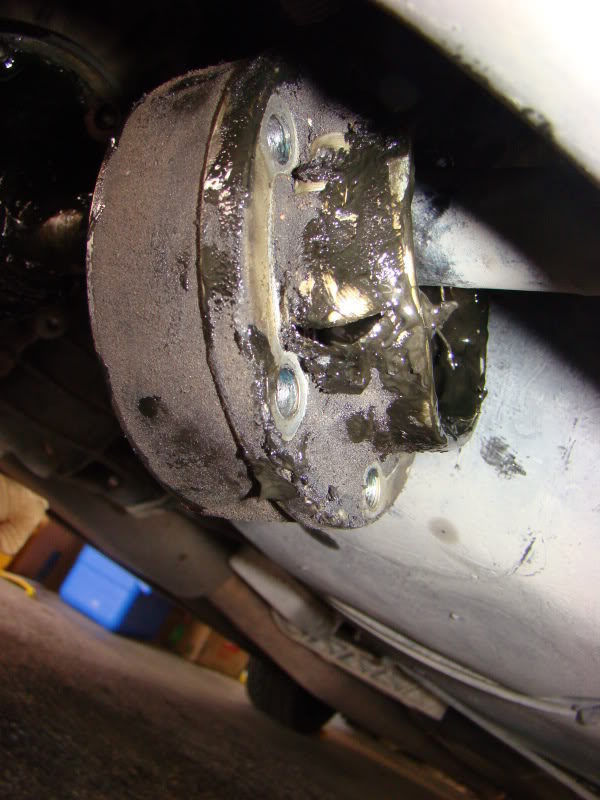
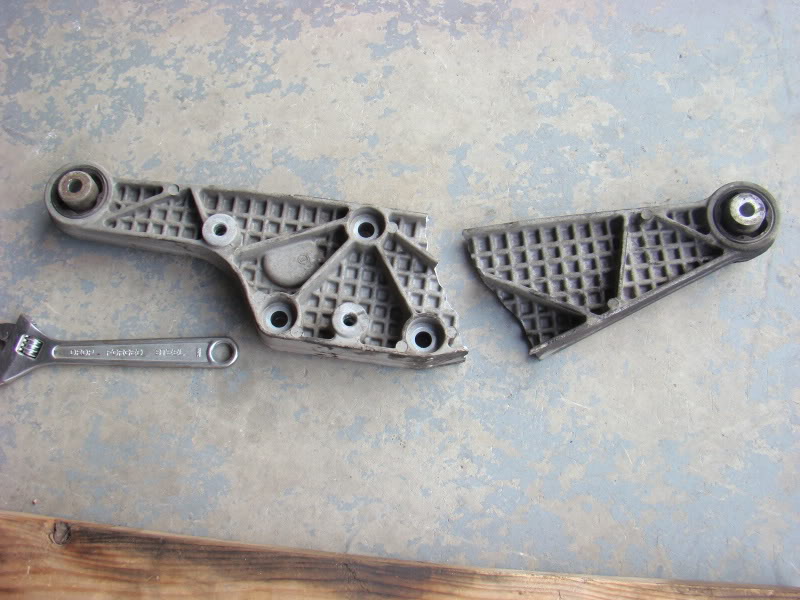
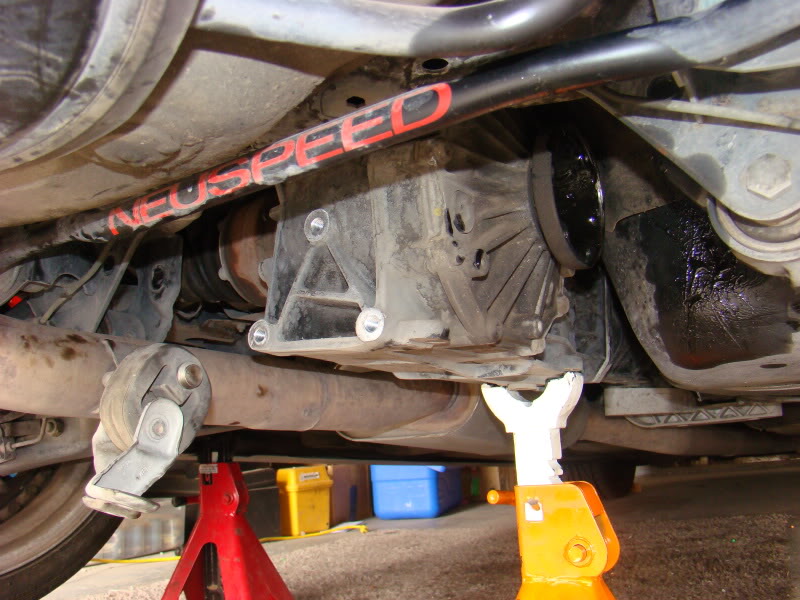
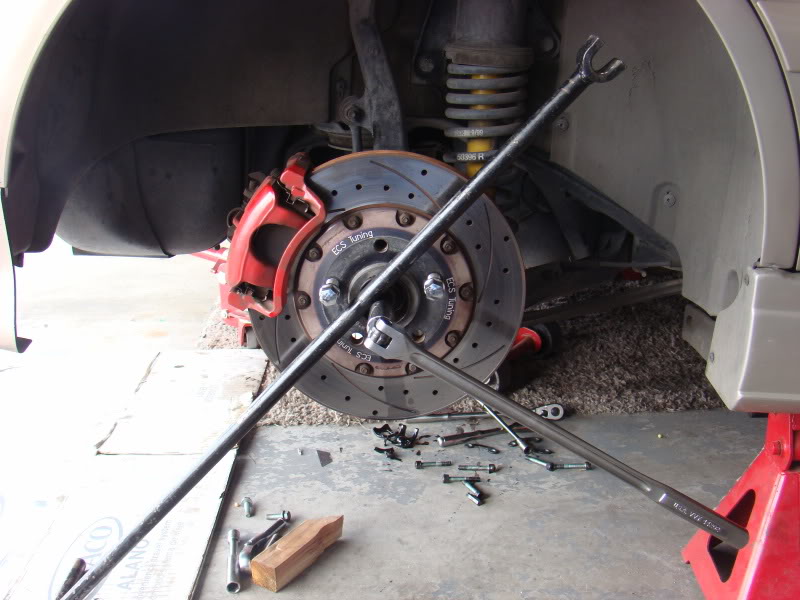
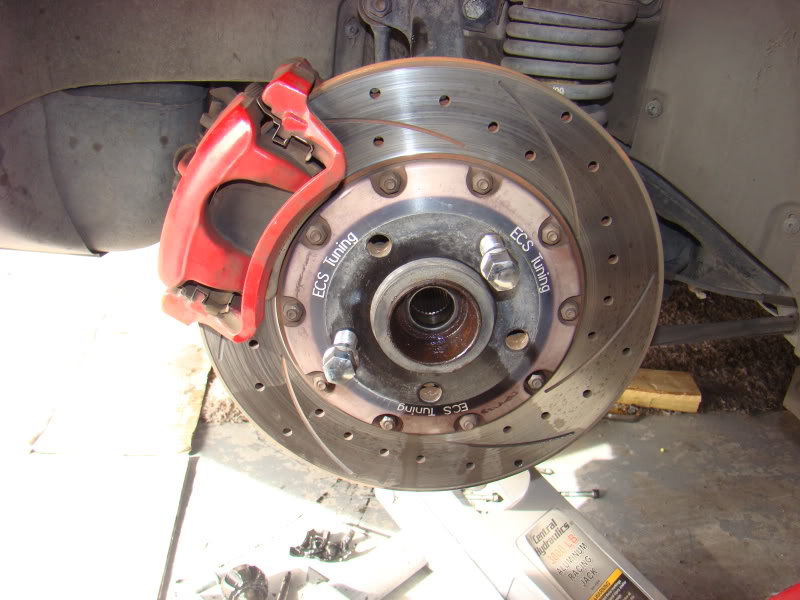
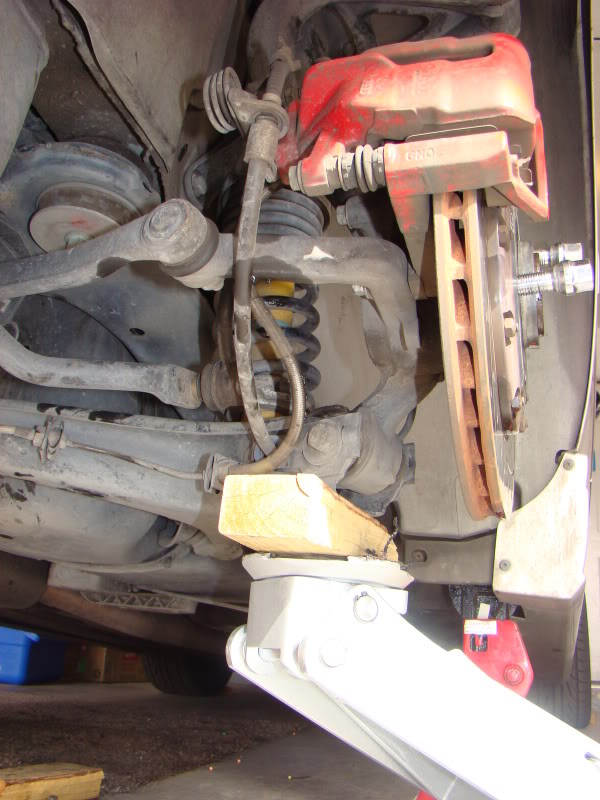
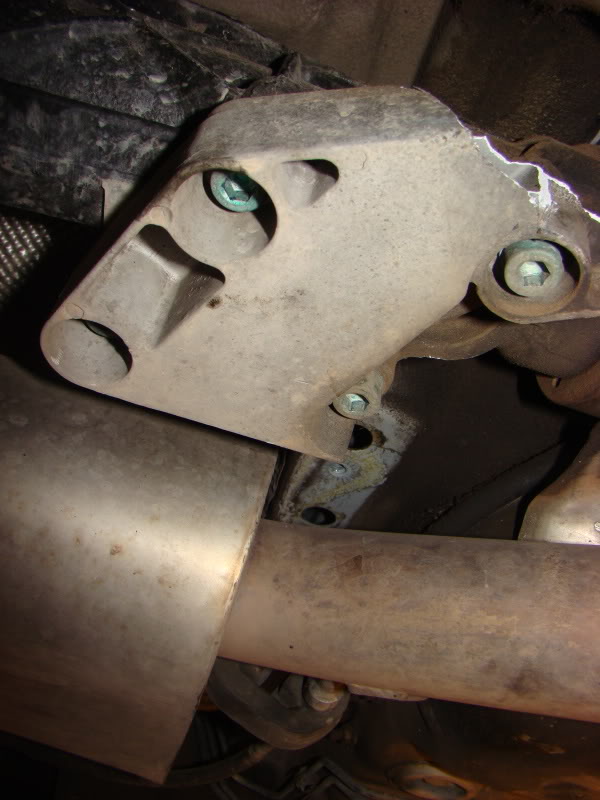
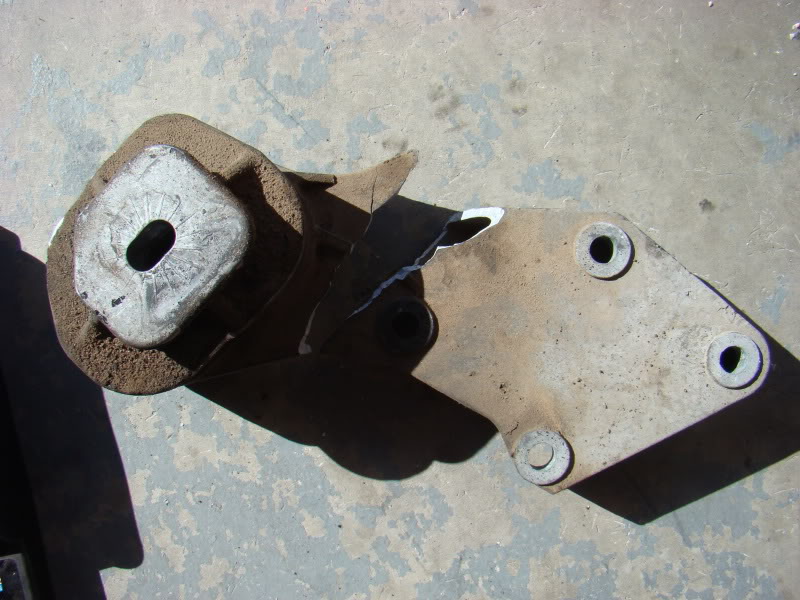
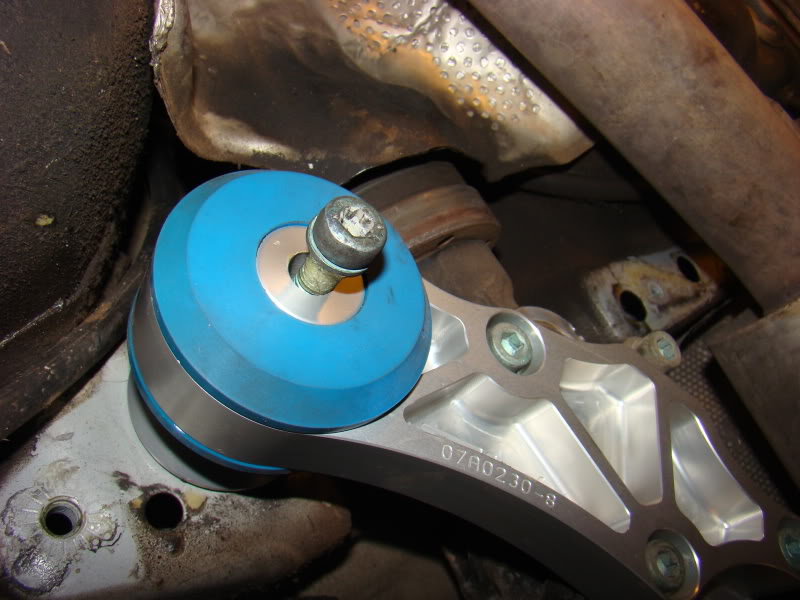
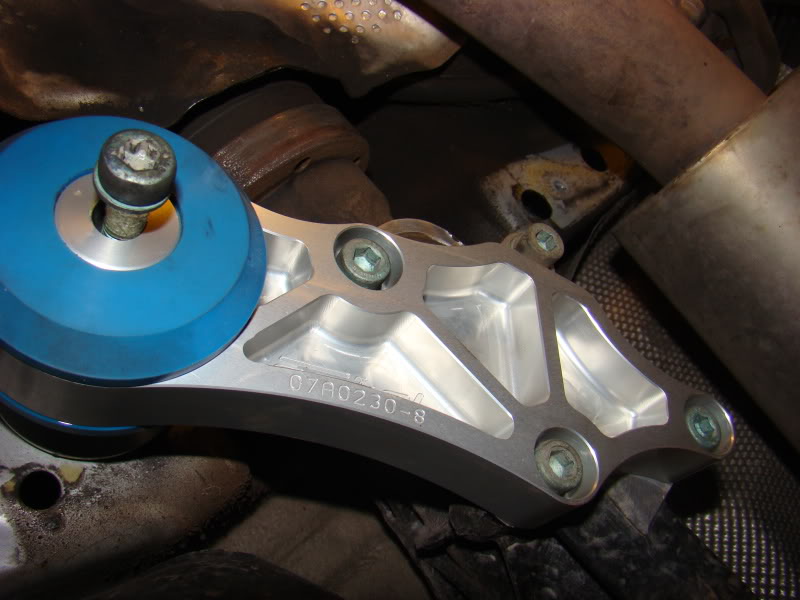
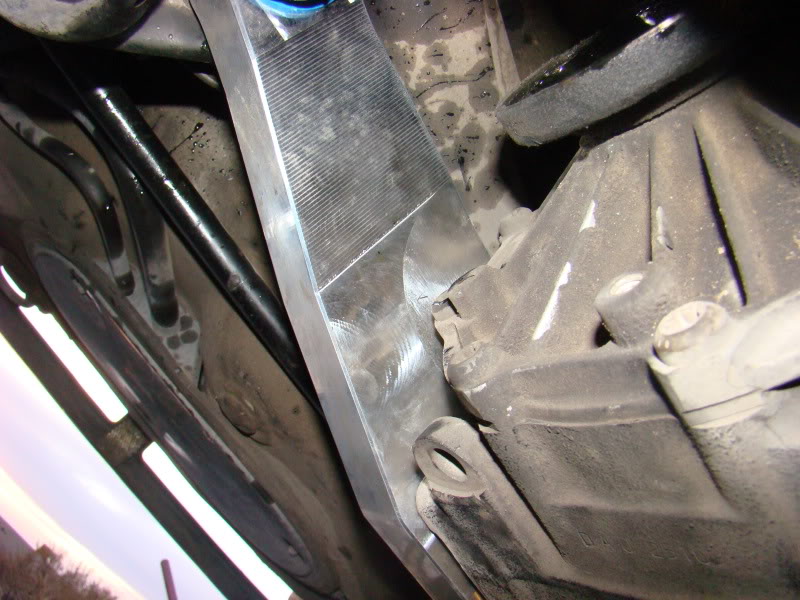
So everything is just loosely installed as I am awaiting the CV axles to arrive by the end of the week. It was fun and a good experience taking stuff apart and it will be a lot easier to replace the two axles together and the drivers side is harder because of the exhaust but leaving everything loose to move stuff around has made a huge difference. Once I get CV axle I will post the updated pics.
So all was ready to go and was moving along quite nicely up until I got to the part where it was time to install the CV axles only to find out they had given me the wrong ones ......
...... I got all of the broken parts off and installed the new ones and now I wait for FedEx to deliver my new, correct axles. Here is what has been accomplished so far ..... So everything is just loosely installed as I am awaiting the CV axles to arrive by the end of the week. It was fun and a good experience taking stuff apart and it will be a lot easier to replace the two axles together and the drivers side is harder because of the exhaust but leaving everything loose to move stuff around has made a huge difference. Once I get CV axle I will post the updated pics.


 . No idea how to turn it off.
1st Gear
Joined: Feb 2011
Posts: 180
two ways to remove it
1.
press the test button for at least 1sec when the car is moving at a speed of above 5 km/h the display will show the warning symbol crossed through to confirm that the speed limit has been cleared
the speed limit will be automatically cleared when the ignitionis turned off
or
2.
press the test button briefly with the ignition switched off the display for the milage and the clock will light up. press the test button again for at least 2 sec. the display will show the speed limit currently set. now press and hold the reset button for the on board computer until the crossed out warning symbol appears
