


How to imbed Pictures into your post


Thread Starter
|
Administrator
Joined: Dec 2004
Posts: 8,981
From: Seattle, WA
 How to imbed Pictures into your post
if you want the picture to be full size like most are.. then get the address of the picture.. ie www.yourpicture.com/wow.jpg or something like that then highlight the address and click the image button right above the text bar.. this can be done from either fast or regular reply
if you dont understand hit the quote button for this post.. and you can see what im talking about
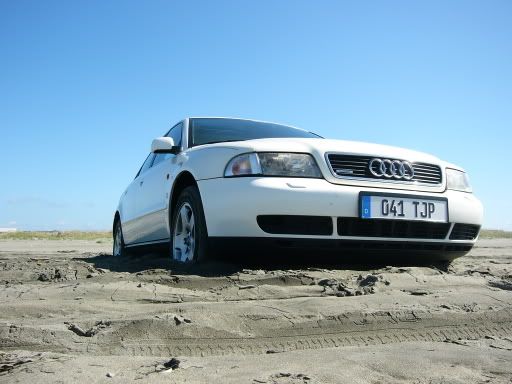
or you can do it like this

make sure there arent any spaces between the code [img] or [IMG] and the address otherwise it will show up like this
[IMG] http://i4.photobucket.com/albums/y12...t/P1010530.jpg [/IMG]
and your picture wont work
if you dont understand hit the quote button for this post.. and you can see what im talking about
or you can do it like this
make sure there arent any spaces between the code [img] or [IMG] and the address otherwise it will show up like this
[IMG] http://i4.photobucket.com/albums/y12...t/P1010530.jpg [/IMG]
and your picture wont work

 Please delete


2nd Gear
Joined: Jun 2008
Posts: 545
From: CT


Junior Member
Joined: Jul 2010
Posts: 3
If you want to integrate feeds from several sources, merge them together into one using Yahoo Pipes, then send the combined stream for Google Gadget. You can also use widgets like RSS or Widgetbox done in Flash, Javascript is not.

1st Gear
Joined: Dec 2010
Posts: 7
From: Trenton, NJ
if you want the picture to be full size like most are.. then get the address of the picture.. ie www.yourpicture.com/wow.jpg or something like that then highlight the address and click the image button right above the text bar.. this can be done from either fast or regular reply
if you dont understand hit the quote button for this post.. and you can see what im talking about
or you can do it like this
make sure there arent any spaces between the code [img] or [IMG] and the address otherwise it will show up like this
[IMG] http://i4.photobucket.com/albums/y12...t/P1010530.jpg [/IMG]
and your picture wont work
if you dont understand hit the quote button for this post.. and you can see what im talking about
or you can do it like this
make sure there arent any spaces between the code [img] or [IMG] and the address otherwise it will show up like this
[IMG] http://i4.photobucket.com/albums/y12...t/P1010530.jpg [/IMG]
and your picture wont work

Duly noted....thanx

